 Maximus Dev Tech
Free browser game
Microverse
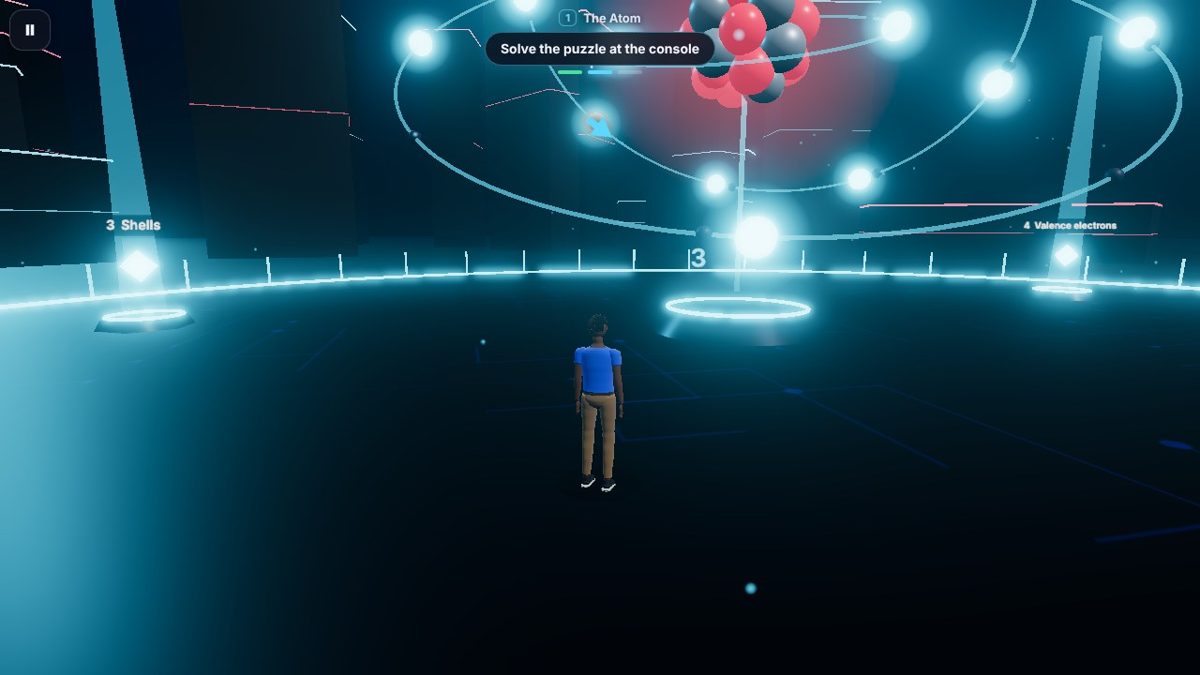
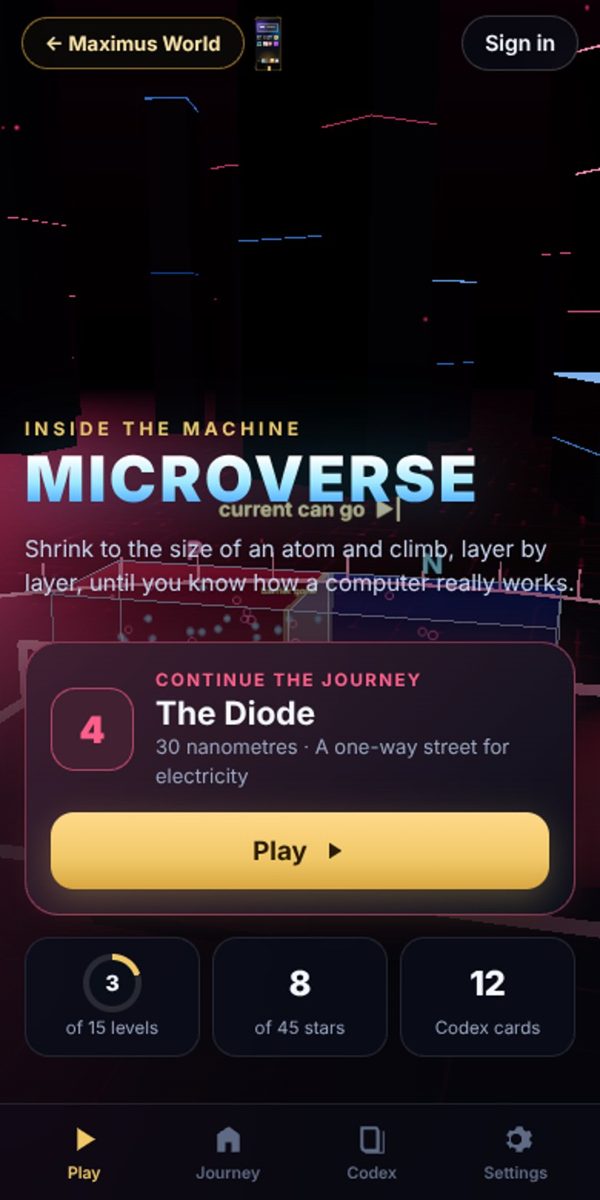
Microverse is a free 3D learning game in your browser. Shrink to the size of a single silicon atom and climb back up through a computer, one layer at a time, until you know how the whole machine works.
About Microverse
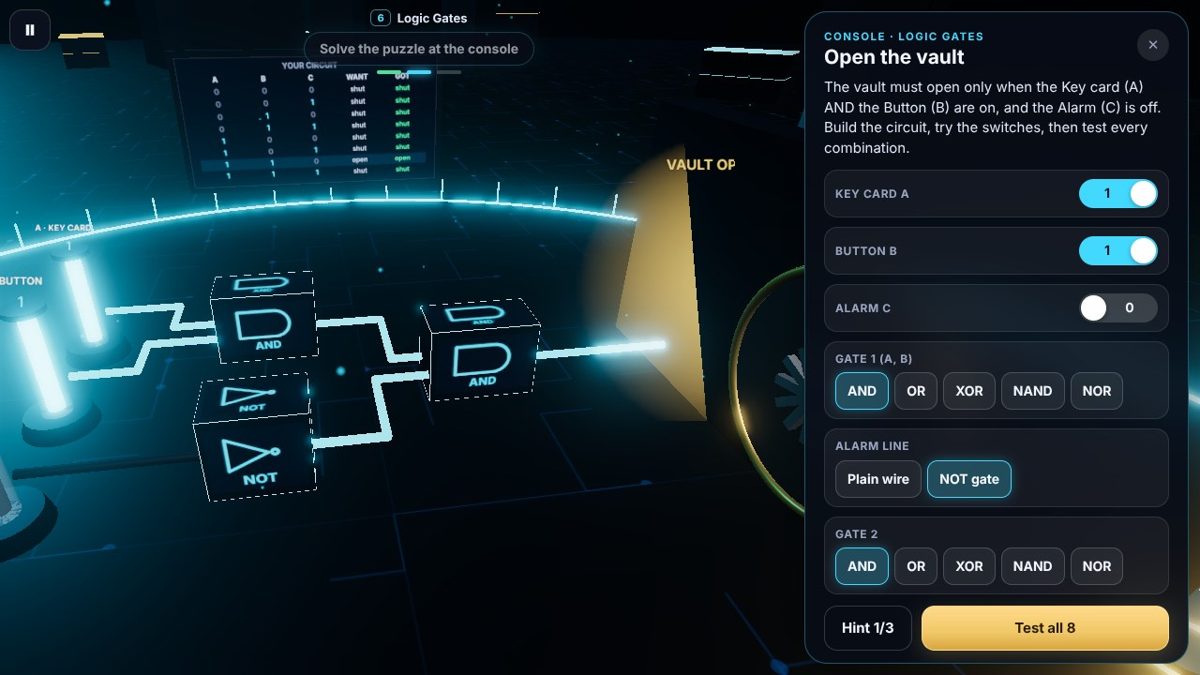
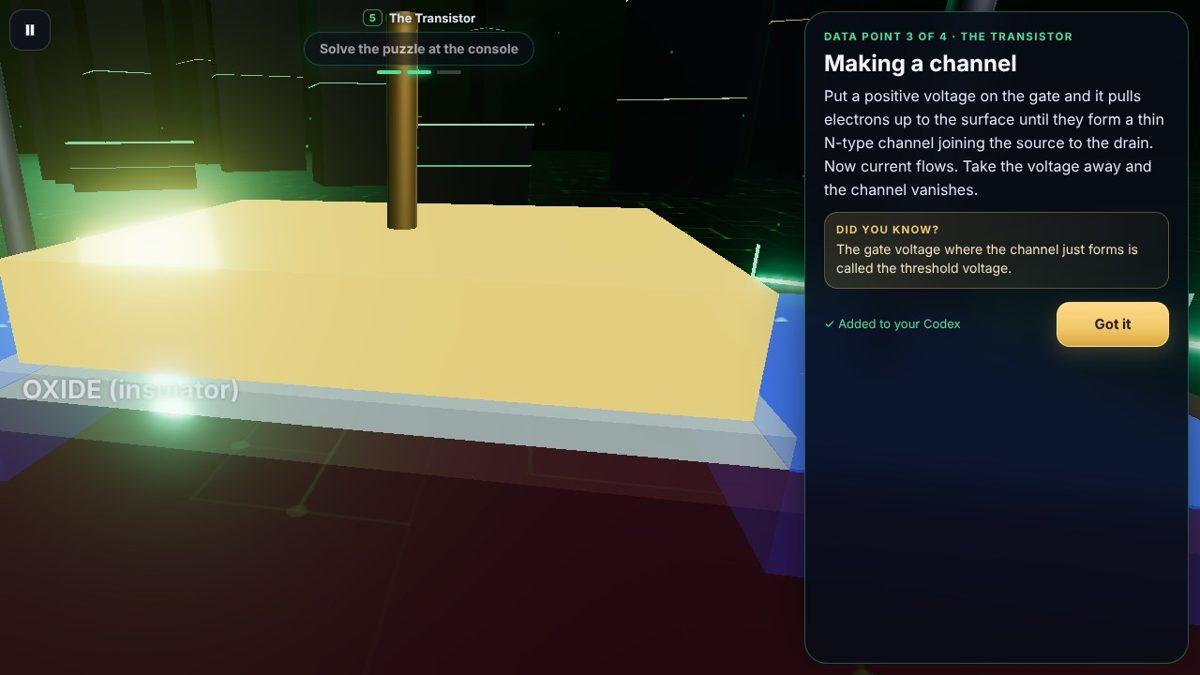
Each level is one part of the computer, smallest first: the atom, conductors and insulators, the silicon crystal, the diode, the transistor, logic gates, the adder, memory, the clock, the ALU, the CPU core, RAM, storage, the motherboard and finally the whole computer.
How to play
- Walk into the glowing data points: each one explains a part of the 3D scene and goes into your Codex.
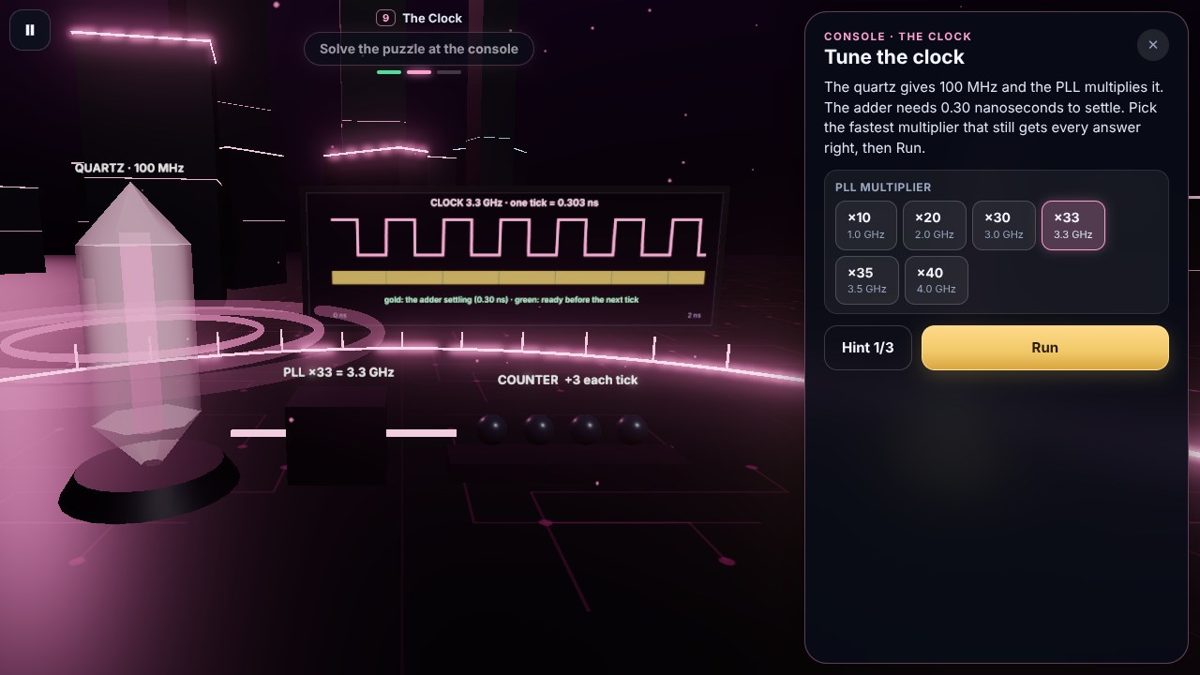
- Explore them all to unlock the console, then solve its puzzle: its controls change the scene live, so you can see what each one does.
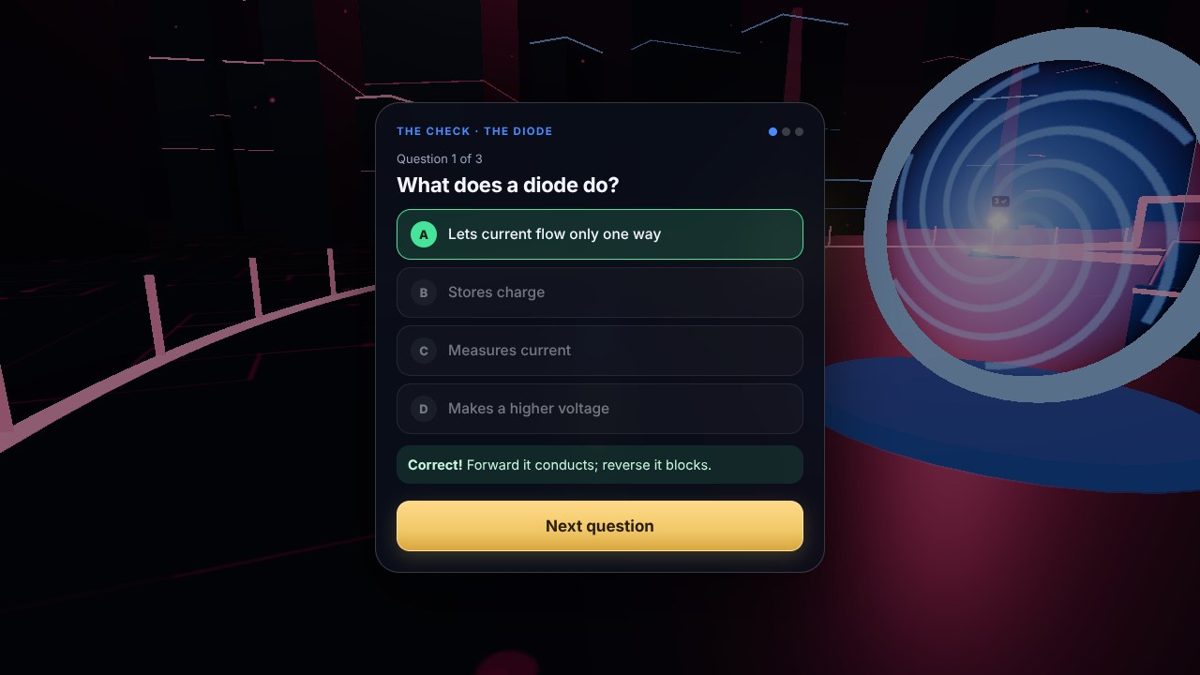
- Solving it opens a portal. Step through for a 3-question check; get 2 right to clear the level.
- Clear a level to open the next one, up from 0.2 nanometres to 50 centimetres.
What's in it
- 15 levels, from a single atom up to the whole computer
- Hands-on puzzles: build an atom, dope silicon, bias a diode, switch a transistor, wire logic gates, store a letter in memory, tune a clock, program a tiny CPU and boot a PC
- Electricity you can see: electrons flowing through wires, channels and gates
- A Codex of 60 cards that keeps everything you have learned
- Stars for clearing, solving without hints and a perfect check
- Play as your own Maximus World character
Questions
Is Microverse free?
Yes. Microverse is completely free, with nothing to buy.
Do I need to download anything?
No. Microverse runs in your web browser, so there is nothing to install.
Does it work on my phone?
Yes. Microverse works on phones, tablets and computers. On an iPhone you can also add it to your home screen from Safari's share menu.
Do I need an account?
You can play straight away and your progress saves on your device. Sign in with a free Maximus Dev Tech account to keep it on every device and collect MXC for every level you clear.